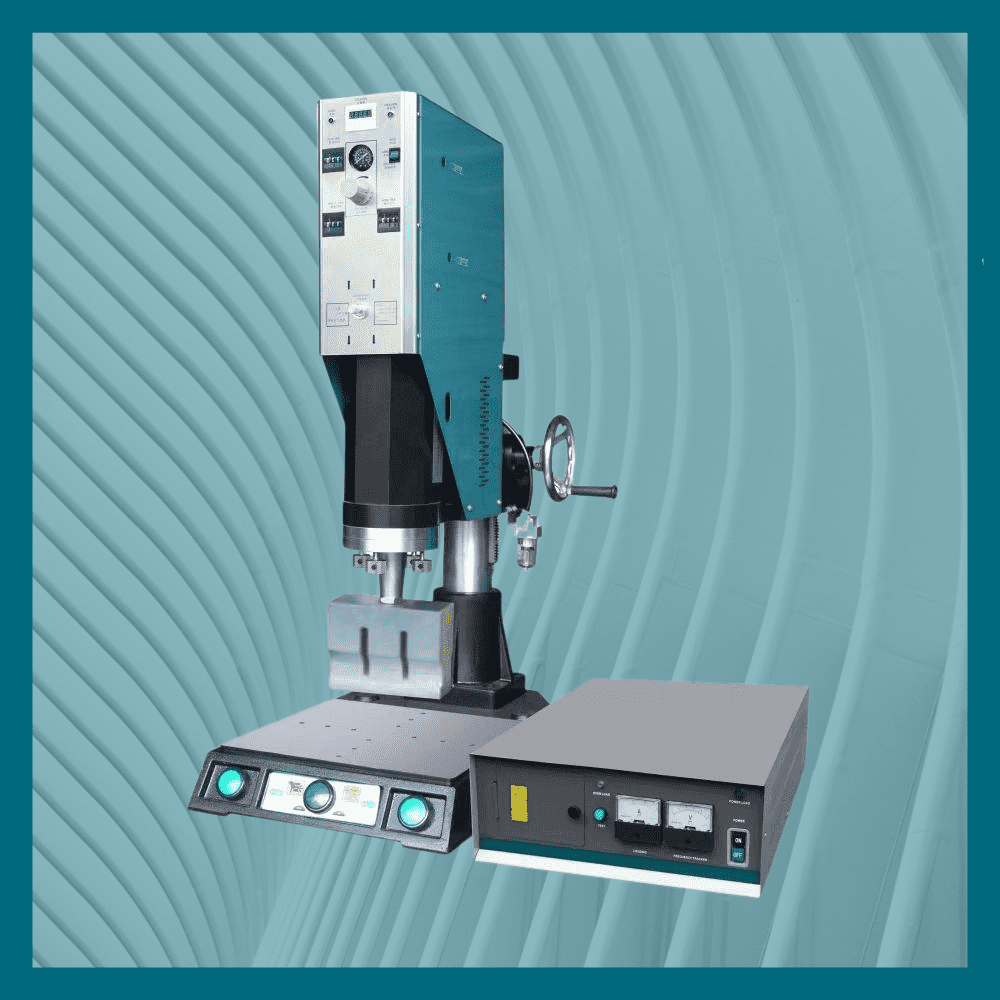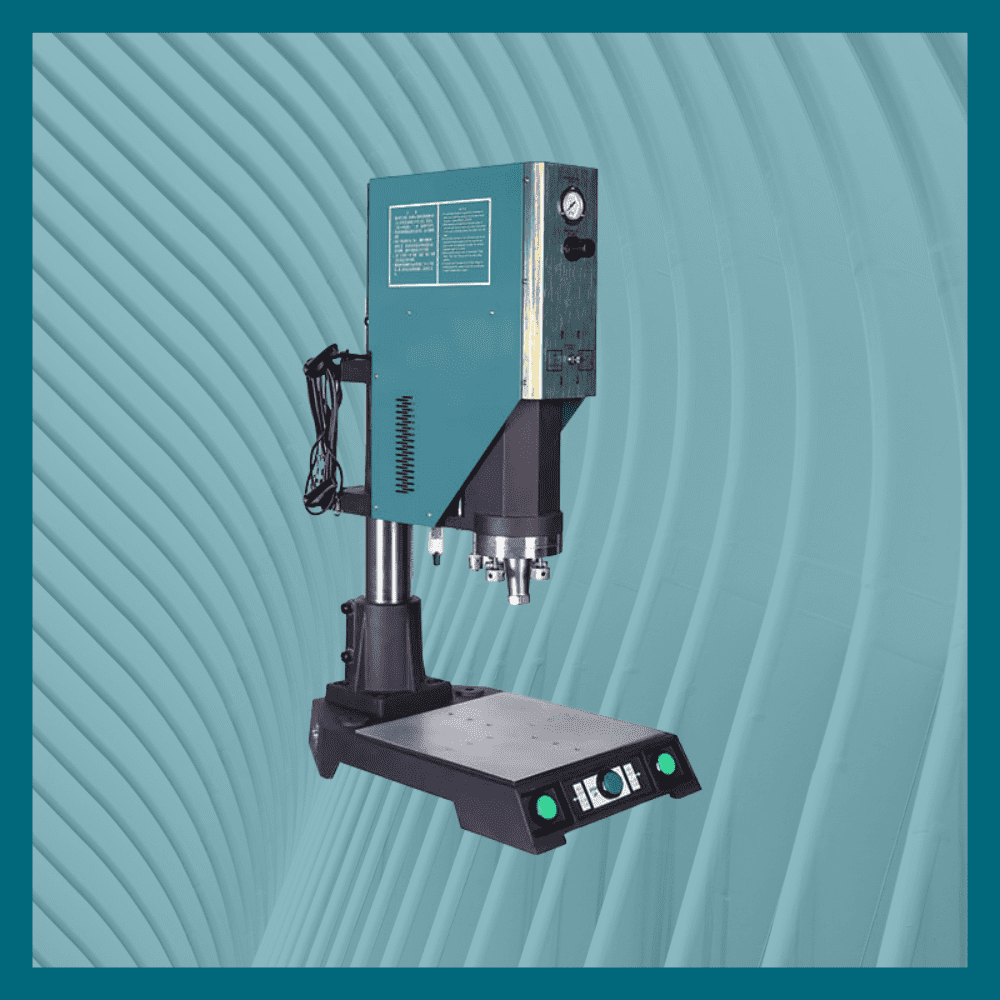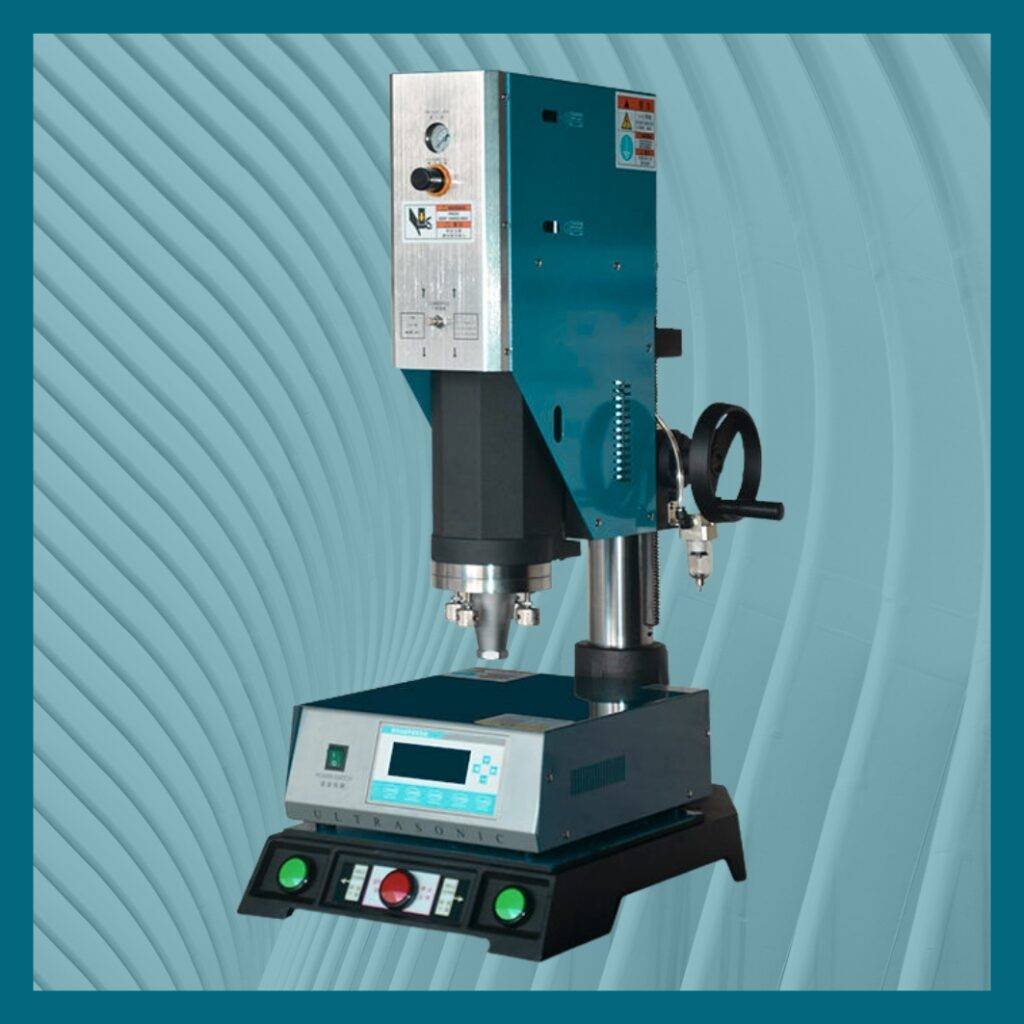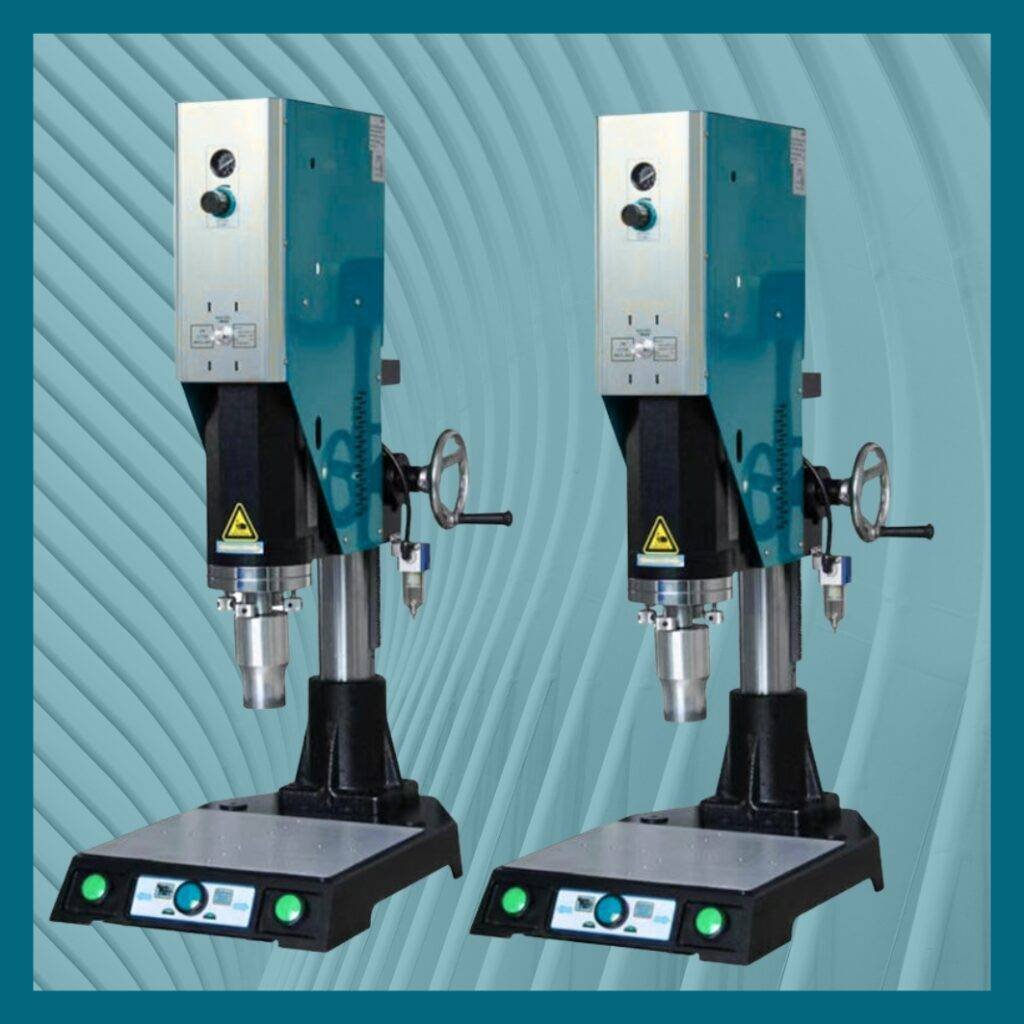
Even a high-performance machine like the altrAsonix Velcro Cutting Machine may occasionally encounter minor issues due to dust, incorrect loading, voltage variations, or improper material placement. Troubleshooting ensures uninterrupted production and avoids expensive service downtime.
1. Machine Not Cutting Straight
Possible reasons:
- Material not aligned
- Roll not evenly placed
- Guide roller misaligned
Solution: Realign the tape on feeding guides.
2. Blade Not Heating
Common reasons:
- Wrong mode selected
- Heating element disconnected
Solution: Switch to hot mode or replace heating fuse/blade.
3. Machine Stops Automatically
- Roll may be finished
- Overload sensor activated
Solution: Reload tape or check for jammed material.
4. Inaccurate Length Cutting
- Sensor dust
- Feeding roller slipping
Solution: Clean sensor & increase roller pressure.
5. Noise During Operation
Indicates mechanical looseness.
Solution: Tighten screws & lubricate.
6. Tape Burning or Melting
- Heat too high
Solution: Reduce temperature or switch to cold mode.
7. Tape Slipping During Feeding
- Worn-out rollers
Solution: Clean or replace roller coating.
8. Display Not Responding
- Loose power cable
Solution: Restart the machine or check internal fuse.
9. Slow Cutting Output
- Material too thick
- Roller dust
Solution: Clean roller & check blade sharpness.
10. Blade Not Cutting Properly
- Blade dull or damaged
Solution: Replace alloy steel blade.
Need Support?
📞 Call Our Service Team: +91 9599711448